Create, learn, and explore—one project at a time.

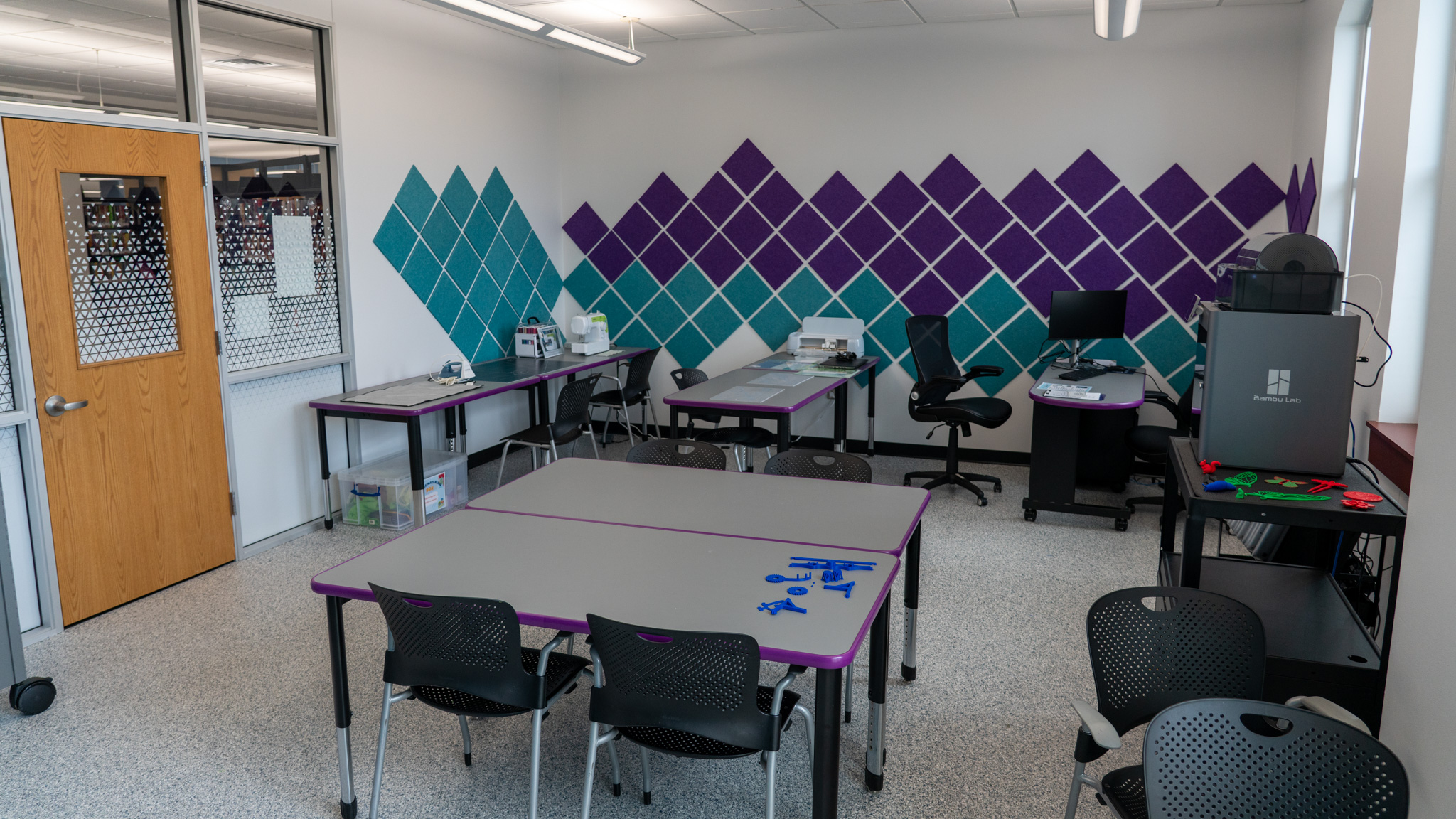
The Library Makerspace is a shared, hands-on learning environment where customers can explore creative tools, technology, and materials. From digital design and 3D printing to tactile crafting and experimentation, the Makerspace supports curiosity, creativity, and self-directed learning for a wide range of interests and ability levels.

This is a self-directed space designed for learning through making. Library staff are available to help users get started and ensure safe use of equipment, but customers are expected to work independently, follow Makerspace guidelines, and share the space respectfully.

New here? Start here.

New to the Makerspace?

Visit during Open Lab Hours to explore the space, ask questions, and try beginner-friendly activities. No experience needed. Staff can help you get started and learn how to use equipment safely.

Equipment & Technology

  • Die Cut Machine
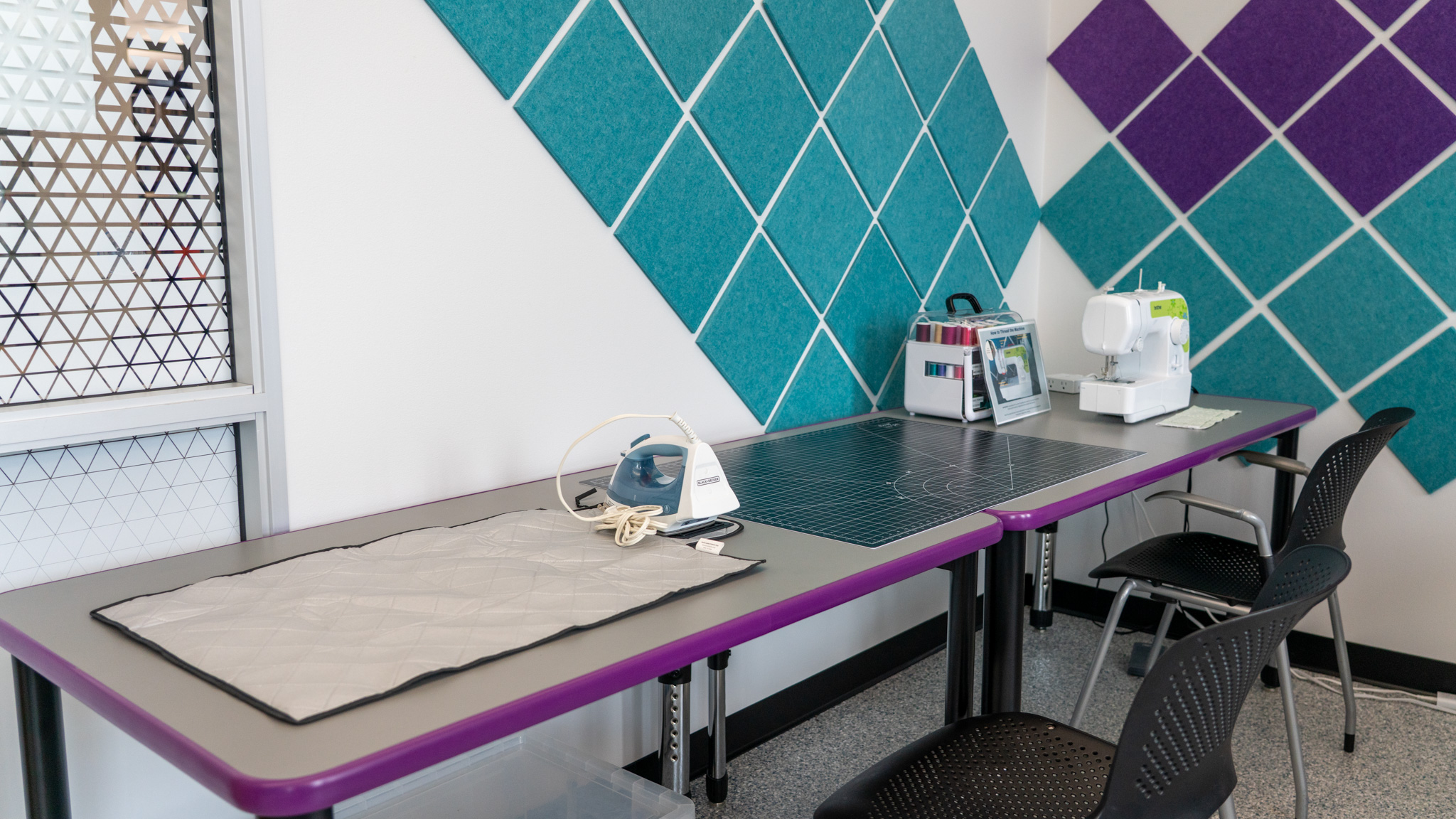
  • Sewing Machine
  • Cricut
  • 3D Printer
  • Chromebooks

All equipment is free to use during scheduled Makerspace lab times. Machines and devices are checked out to individuals while in use and must be returned upon completion.

Chromebooks

Chromebooks are available for in‑space use to support Makerspace projects, including:

  • Designing files for the 3D printer
  • Researching tutorials or instructions
  • Using web-based creative and design tools
  • Coding and digital exploration related to Makerspace projects

Chromebooks must be returned at the end of each Makerspace session.

Try‑It Cabinet

The Makerspace Try‑It Cabinet offers a rotating selection of hands-on tools and activities for exploration, creativity, and sensory engagement.

Items may include:

  • Logic and brain puzzles
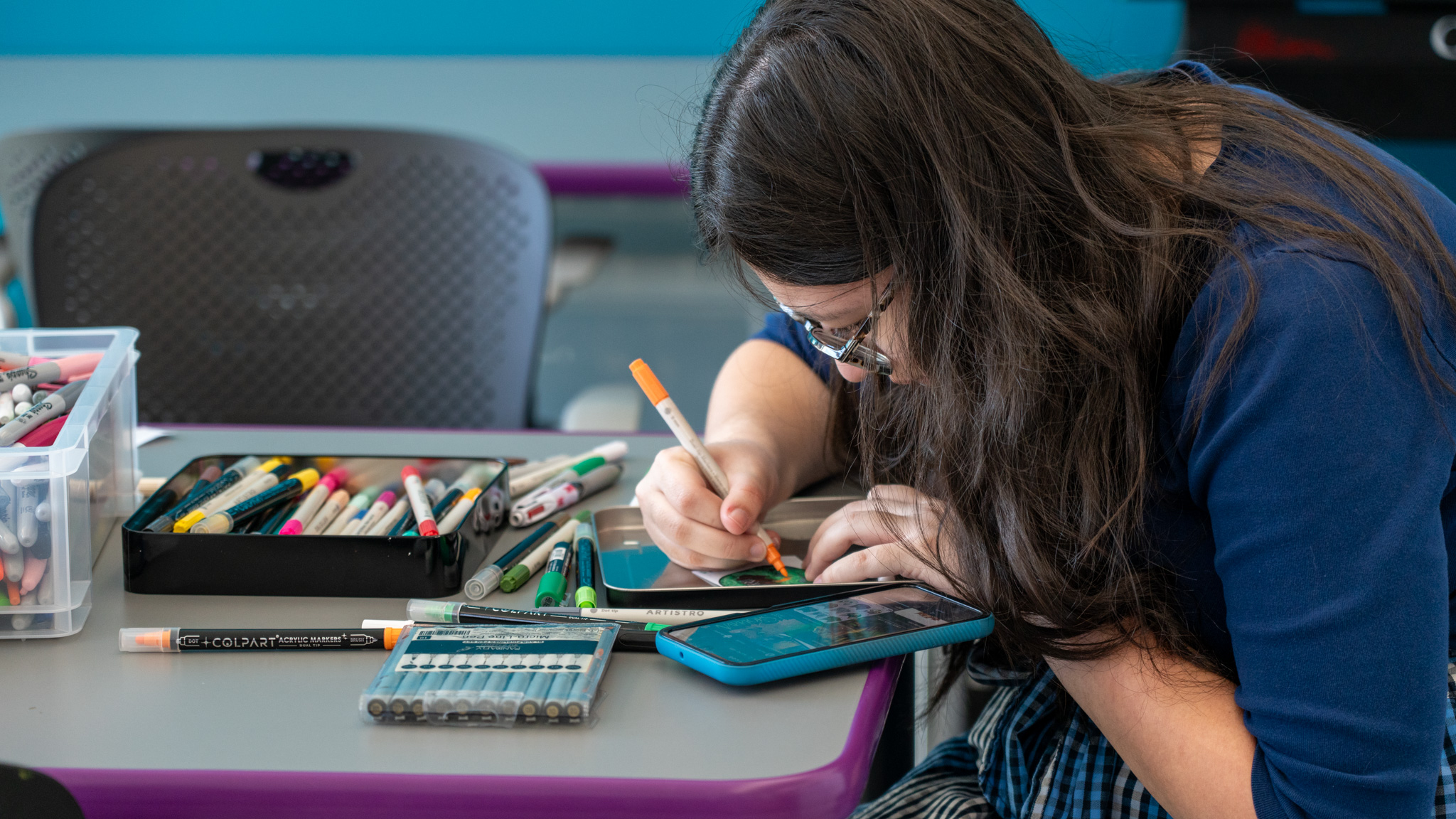
  • Art and watercolor supplies
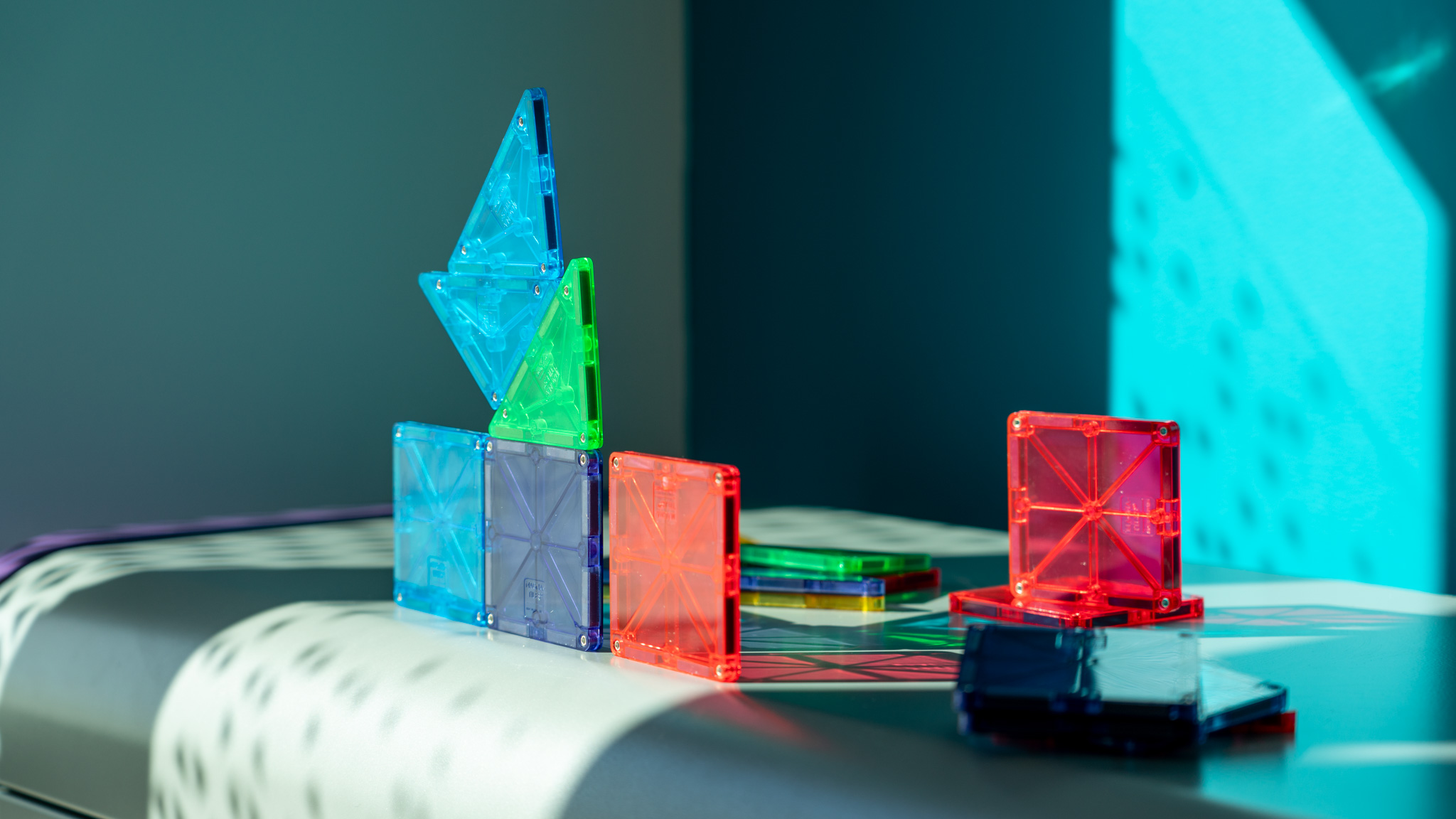
  • Magna‑Tiles
  • 3Doodler pens
  • Buddha Boards
  • Snap Circuits
  • Perler beads
  • Fidgets and stim‑friendly tools

Selections change regularly as materials rotate in and out. Try‑It materials are provided for in‑space use.
Not sure where to start? The Try-It Cabinet offers rotating hands-on activities you can explore during your visit.

Items may include:

  • Logic and brain puzzles
  • Art and watercolor supplies
  • Magna‑Tiles
  • 3Doodler pens
  • Buddha Boards
  • Snap Circuits
  • Perler beads
  • Fidgets and stim‑friendly tools

Selections change regularly as materials rotate in and out. Try‑It materials are provided for in‑space use.
  • One free 1‑hour print per month per household for KPL cardholders
  • TexShare cards are not eligible for 3D printing
  • Prints are subject to Makerspace guidelines and availability

Some projects require you to bring your own materials, such as vinyl, fabric, or specialty supplies. Beginner-friendly Try‑It Cabinet materials are available for in-space use.

  • Open to teens and adults (ages 13+) Ages 12–17 may attend with a signed Makerspace User Agreement and Liability Waiver
  • All users must have an active, unblocked library card
  • Customers must show their library card to staff to access the Makerspace
  • Supervision requirements must be followed as outlined in Makerspace policies

  • The Makerspace is a shared, self‑directed space
  • Please use equipment carefully and ask staff if you're unsure. Users may be responsible for damaged equipment or parts.
  • Machines are checked out to individuals while in use
  • Work should conclude 15 minutes before the end of a Makerspace lab session
  • All work areas must be cleaned and returned to their original condition
  • Required supervision must be maintained at all times

Equipment Guides & Tutorials

Want to learn more about specific Makerspace equipment? This section includes photos, features, and step‑by‑step resources to help you explore tools before or during your visit. Use these guides to build confidence, find inspiration, and get started at your own pace.

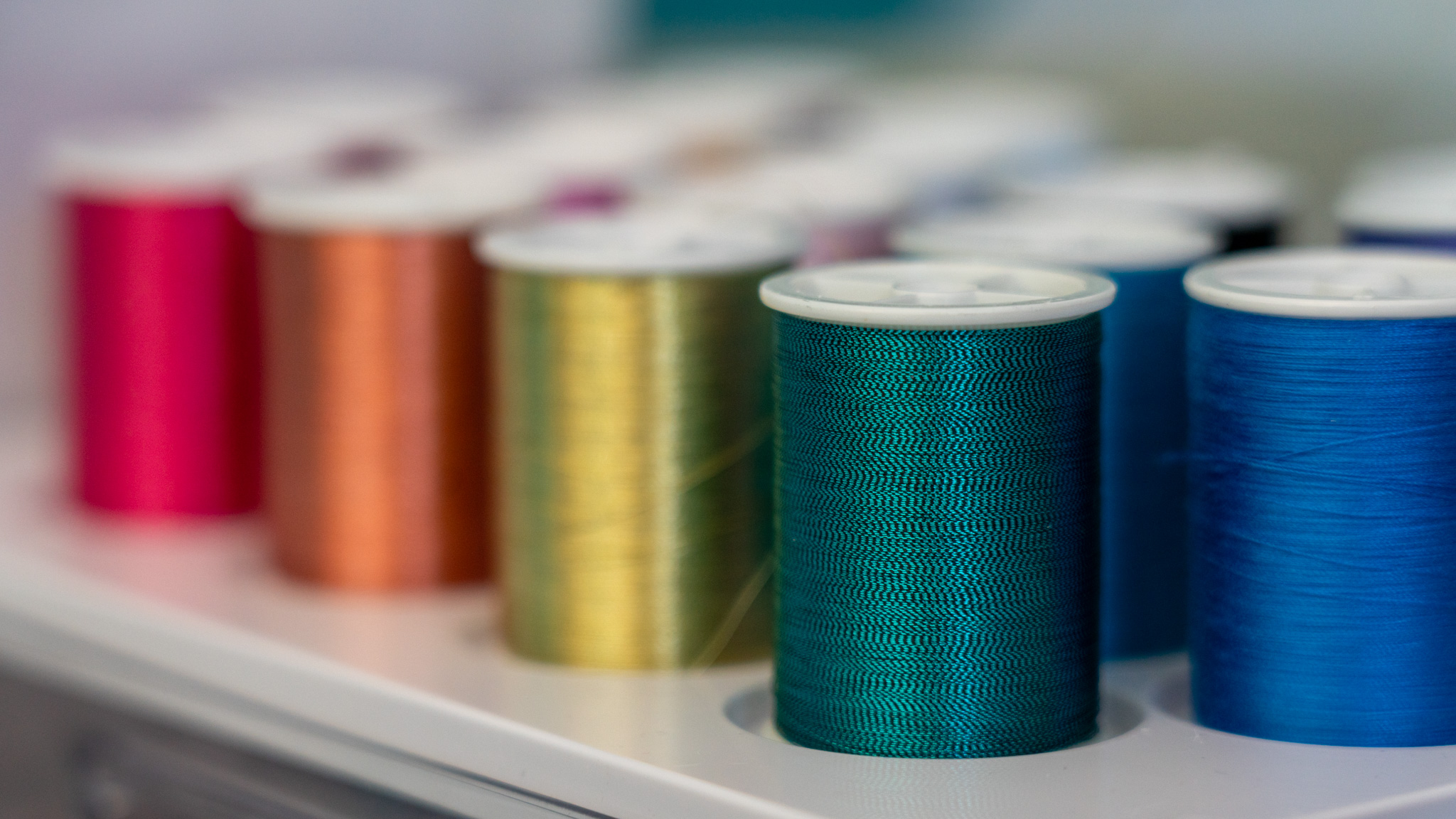
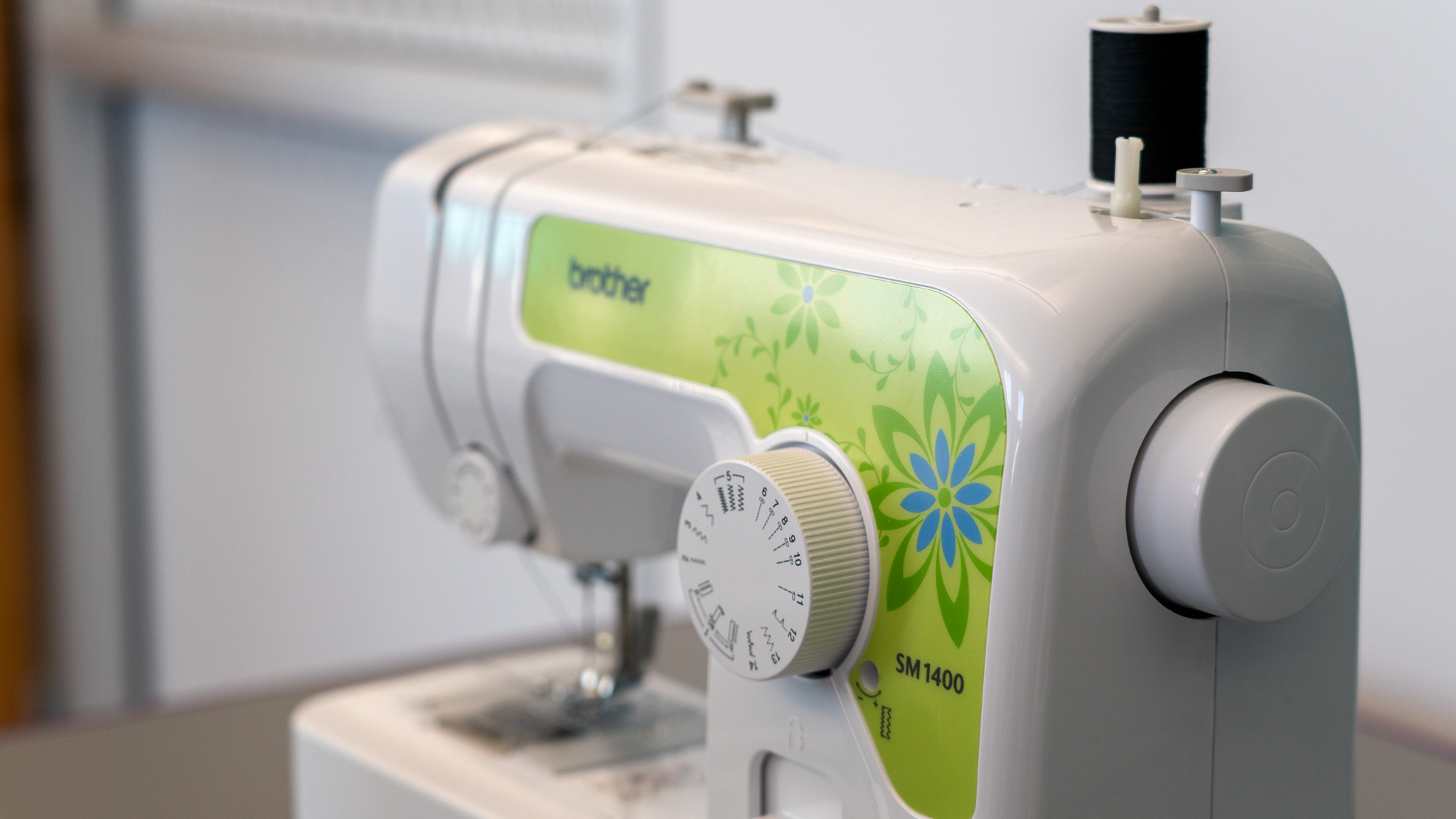
The Brother SM1400 Sewing Machine offers the perfect set of features for everyday sewing and mending. Lightweight yet full-sized, this machine can easily fit on a table or desk. Included are 14 stitches for blind hems, stretch stitches, buttonholes and zipper insertion, quick-set top drop-in clear-view bobbin cover, and an automatic winding system. 
 
Details:
  • 14 built-in stitches
  • Automatic 4-step buttonholer
  • Bright LED sewing light
  • Flatbed/free arm convertible sewing surface
  • Built-in accessory storage
  • Electronic speed control
  • Forward and reverse sewing
  • Instructional DVD included
  • Quick-set bobbin system
  • Top load horizontal bobbin

Product Manual

Quick Start Guide

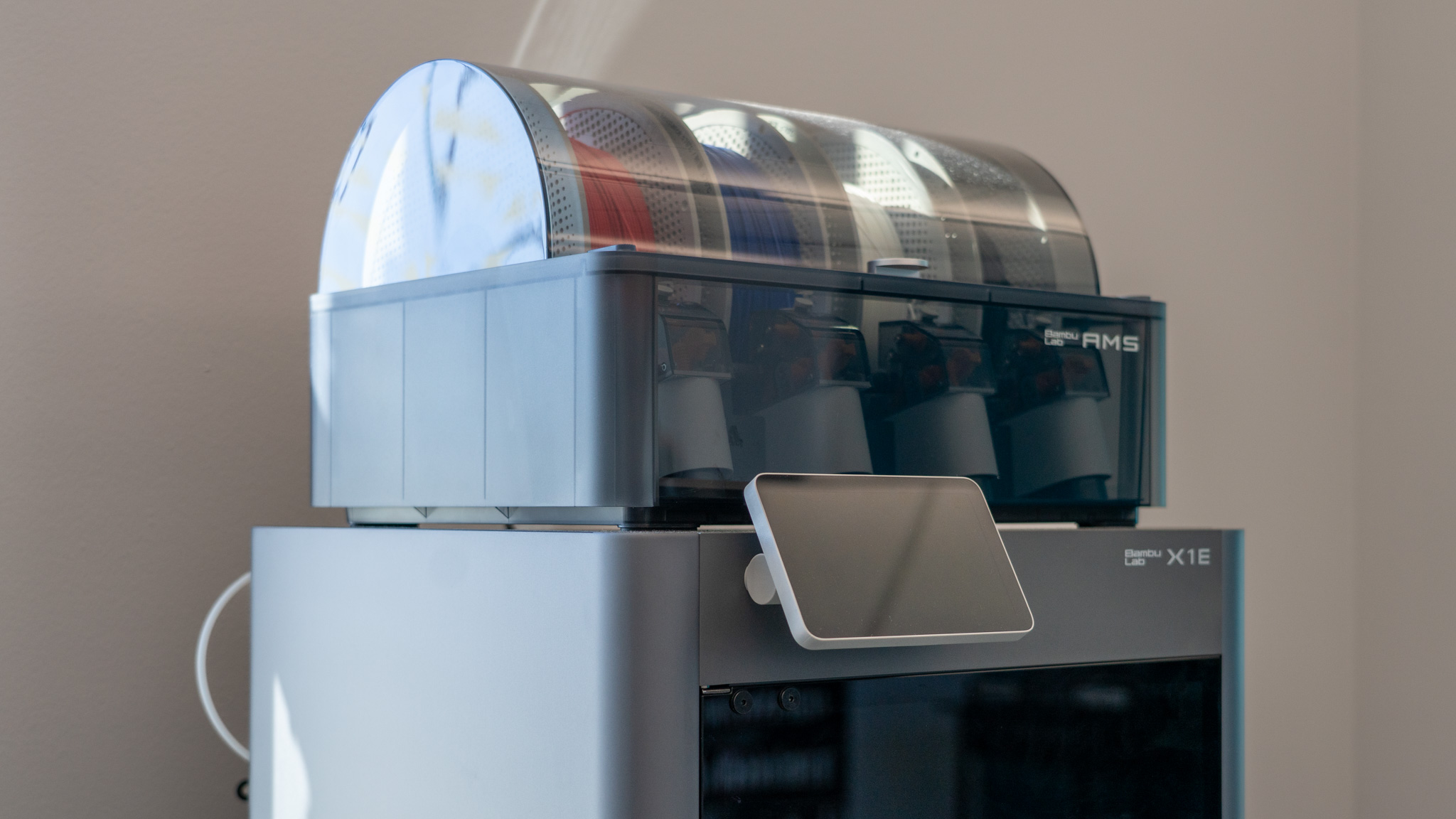
The Bambu Lab X1E elevates the X1 3D Printer Series’ capabilities by implementing advanced features that align with the needs of education, enterprise, and engineering applications.

Key Features of the Bambu Lab X1E 3D Printer:

  • Max Hot End Temp: 320°C (608°F)
  • Features Active Heated Chamber
    • Max Heat Chamber Temp: 60°C (140°F)
  • Heavy Duty Air Filtration via G3 pre-filter + H12 HEPA filter
  • Features Vibration And Extrusion Compensation and AI Failure Detection
  • Multi-material printing and management available with the included Bambu AMS
  • WPA2-Enterprise Authentication Wi-Fi Connection and LAN communication capability

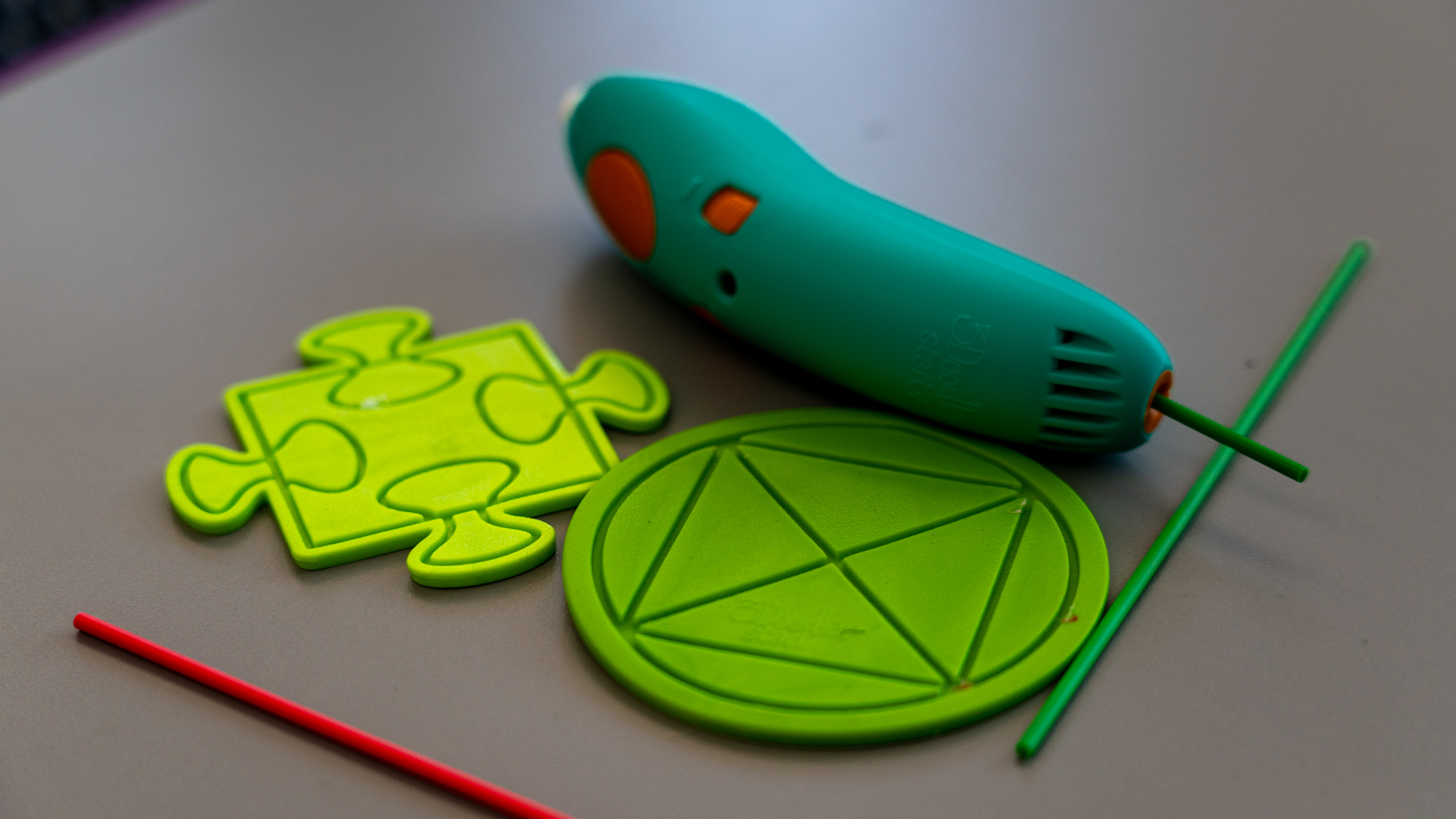
The 3Doodler Start+ Essentials pen combines art and design with technology in a fun and creative way. Its easy-to-use, uncomplicated technology drives engagement and comprehension of critical STEM subjects. With the press of a button, plastic extrudes and hardens rapidly allowing kids to literally create anything!

Instruction Manual


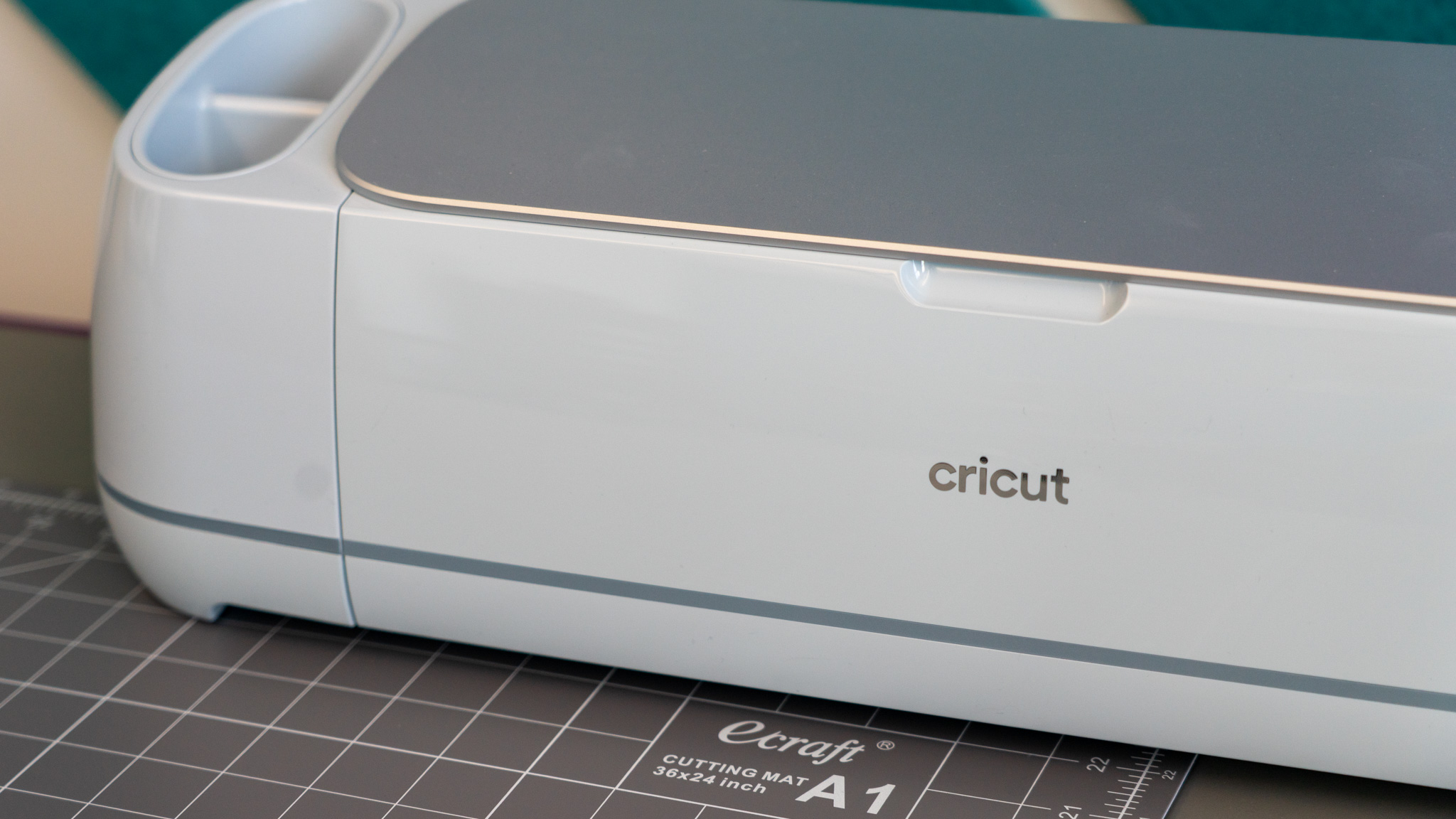
The Cricut Maker 3 is a powerful smart cutting machine designed to help makers, crafters, and creators bring their ideas to life. Known for its speed, precision, and versatility, the Maker 3 can cut hundreds of materials, from delicate paper and vinyl to thicker materials like leather and basswood, making it perfect for both beginners and experienced users.

Features

  • Works with 300+ materials, including popular materials like vinyl, iron-on & cardstock — plus leather, matboard & more
  • Cuts intricate designs with precision
  • Writes, draws, foils, engraves, embosses, and more
  • Compatible with your home inkjet printer to print then cut full-color designs
  • Free, easy-to-learn Design Space app
  • Bluetooth® wireless technology
  • Upload & cut your own designs or choose from the Cricut Design Space library

Quick Start Guide

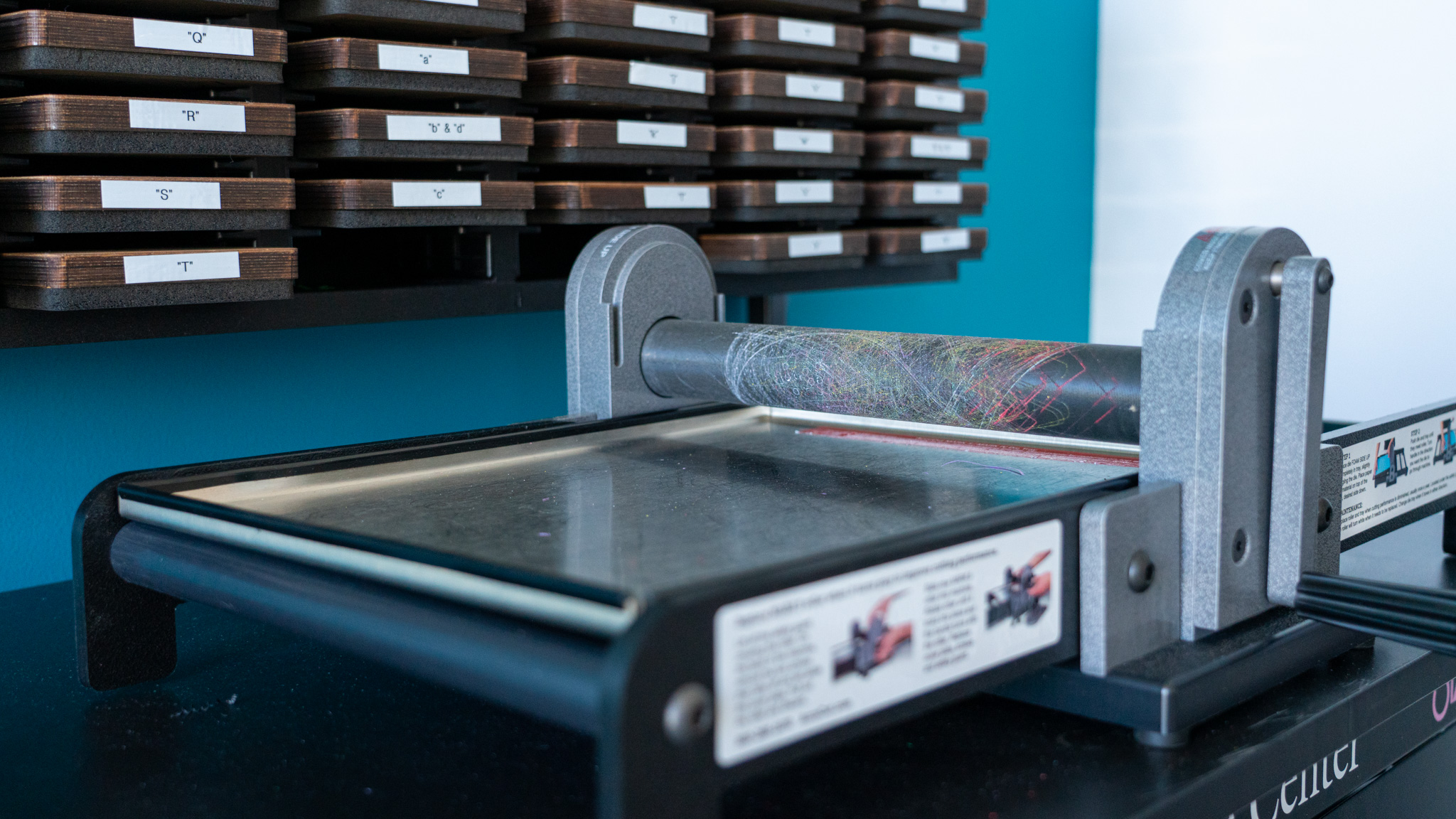
The MARK 5 is a powerful, easy-to-use cutting machine designed to help you save time while producing clean, consistent cuts. It can cut up to six layers of paper, polyfoam, or felt at once, making it ideal for high-volume projects. The machine handles a wide range of materials that scissors can cut, including magnet, sponge, and many recycled materials—only faster and with less effort.

The MARK 5 delivers precise, reliable results for a variety of creative and production needs. Its efficient performance helps users prepare materials in a fraction of the time compared to hand cutting.

The patented roller design ensures smooth, fast operation without straining your hands. Simply turn the handle to roll through up to five dies in a single pass. With pre-set roller pressure, every cut is consistent and easy from start to finish.

Key Features

  • Sides of base fold up to give you more room to work and increase portability.
  • 12" cutting width fits AccuCut dies up to Super Jumbo
  • Cuts as many as five dies and up to six layers at once
  • Durable steel roller safety guard
  • Easy-to-replace roller with no tolls required
  • Dies cut foam side up so you can see what you're cutting and have less waste
  • Compatible with Ellison dies

Makerspace Open Lab Hours

Makerspace open lab hours, workshops, and special programs are scheduled throughout the month and availability may vary.

Plan your visit by checking out our Makerspace guidelines and expectations.

Sign up for our Newsletter

Stay up to date on the city's activities, events, programs and operations by subscribing to our eNewsletters.